
If you’re not sure if you have an Apple Silicon or Intel chip for your Show|Ready or Stage|Tracks download, follow the instructions below to find out!
Instructions:
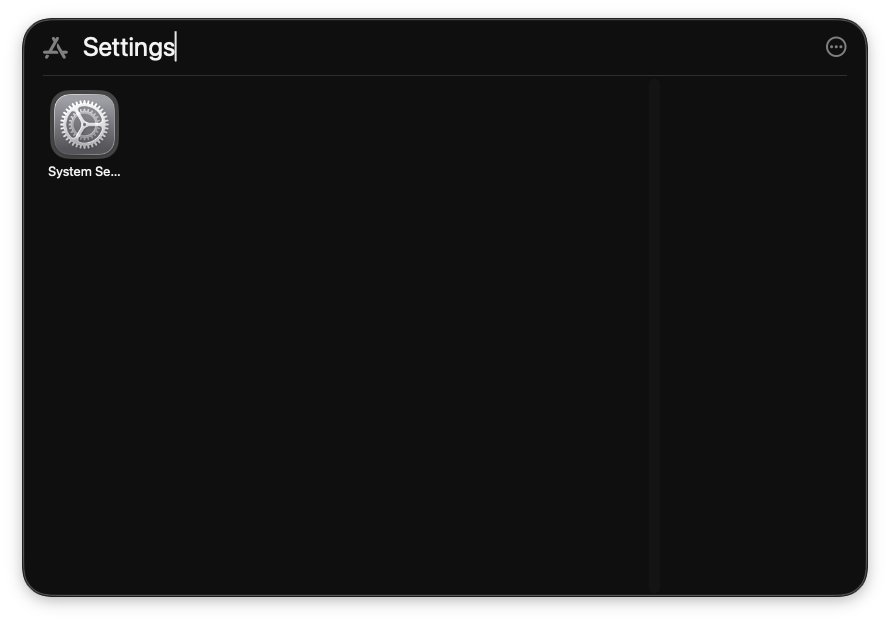
- Go to “Settings” on your Mac computer.
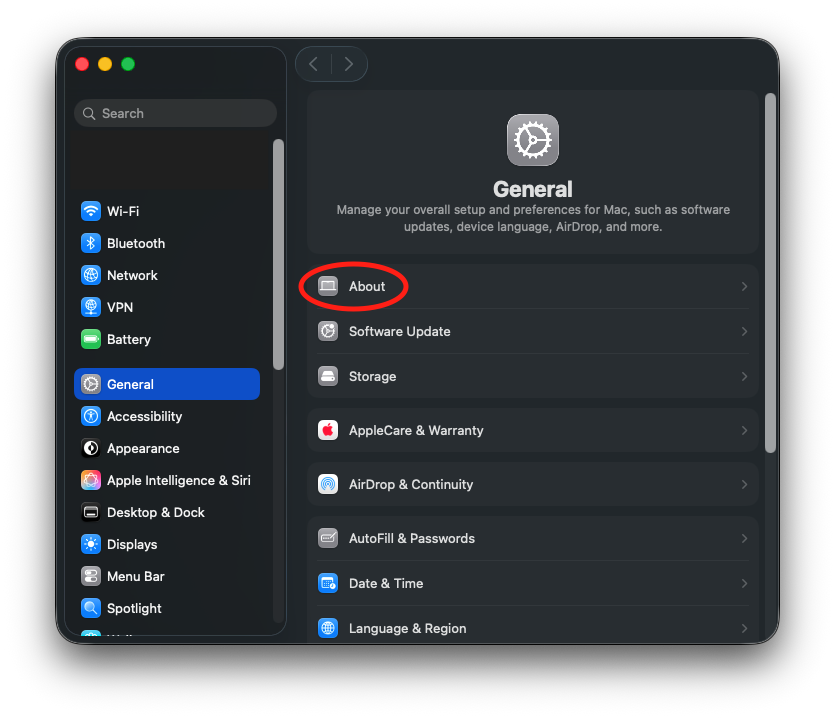
- Go to “About.”
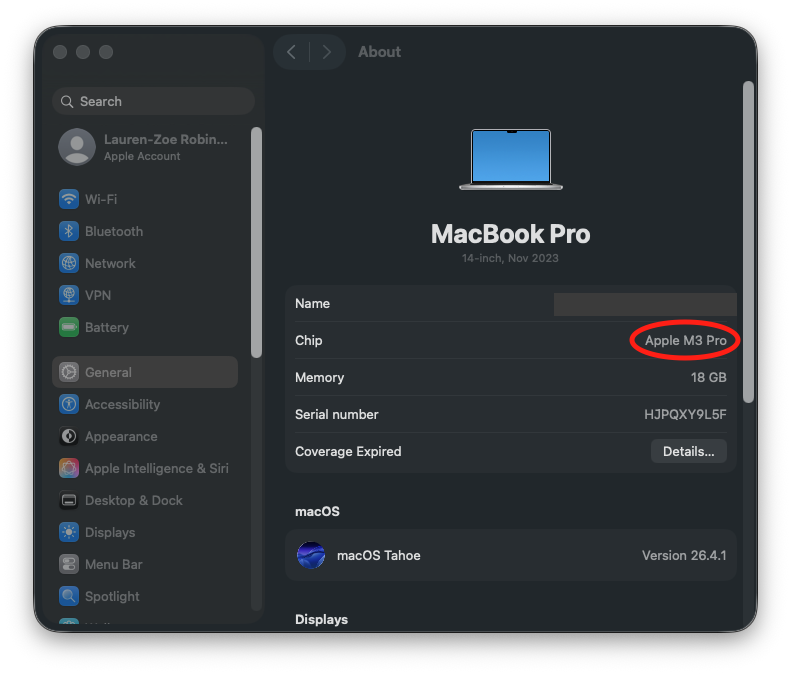
- Next to “Chip,” look at the name.
- If the chip has “M” listed, you will download the Apple Silicon (M-Series) version for Stage|Tracks.
- If the chip has “Intel” listed, you will download the Intel version for Stage|Tracks.
If you have any questions, feel free to email our Customer Support Specialist at cs@rightoncueservices.com.

