
As of September 2nd 2026, we launched the Show|Ready Beta Test for Android.
If the ROCS mobile application is not loading correctly after multiple attempts, try clearing the app data and cache on your Android device. Instructions are provided below.
If the issue continues after completing these steps, email cs@rightoncueservices.com.
Resetting Show|Ready on Android

To reset your applications on your Android device, do the following:
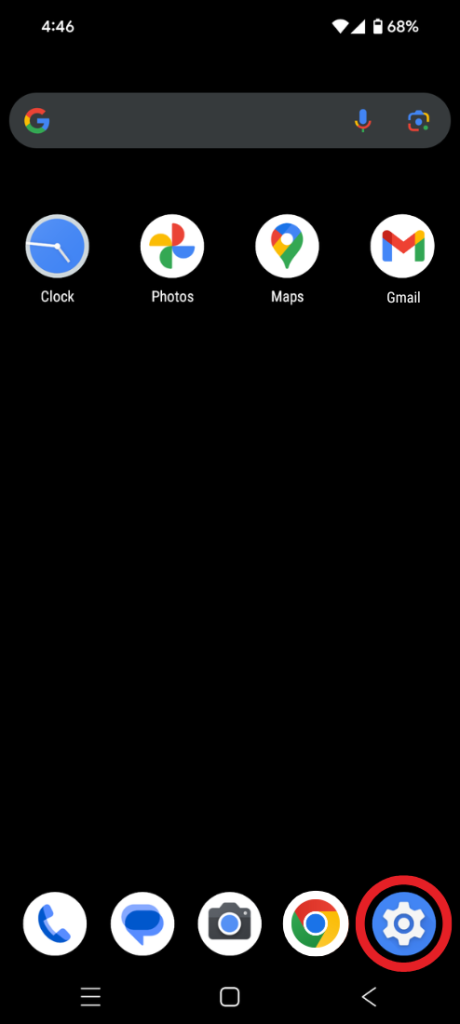
- Click on the “Settings” button on your phone (gear icon).
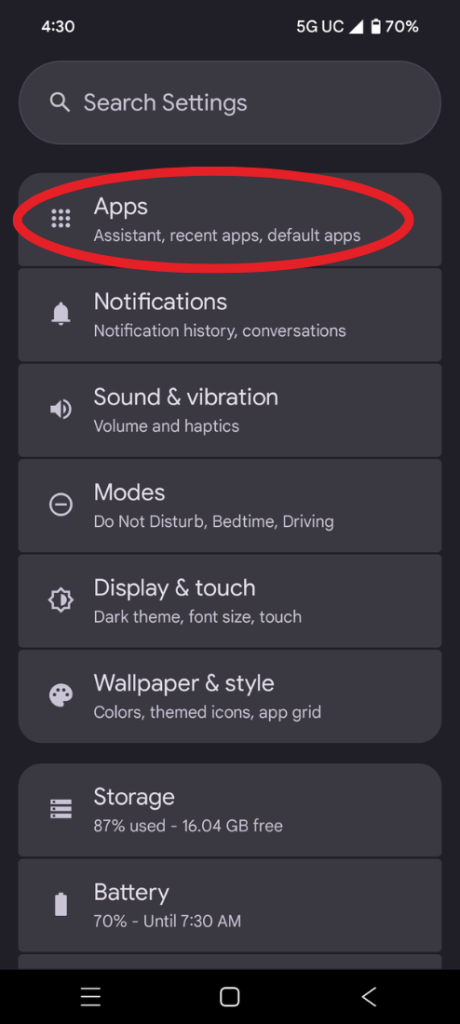
- Click on “Apps.”
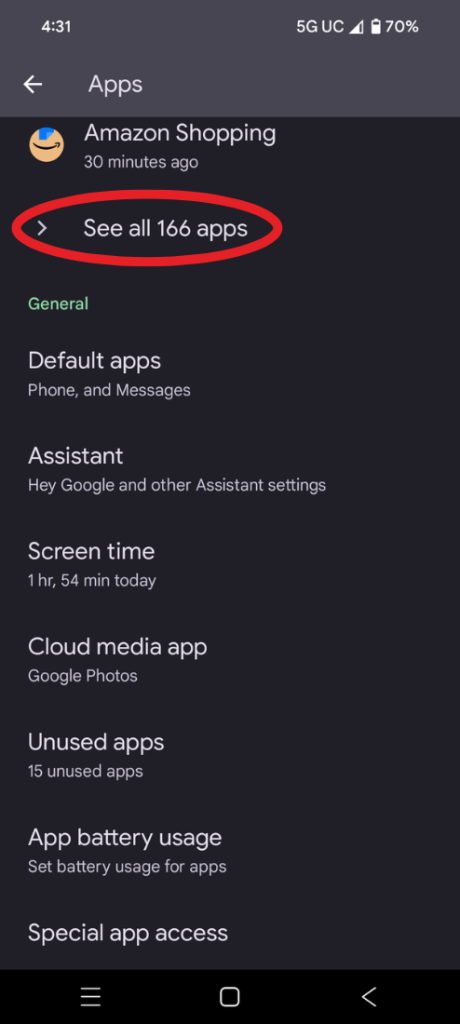
- Click on “See all # apps.”
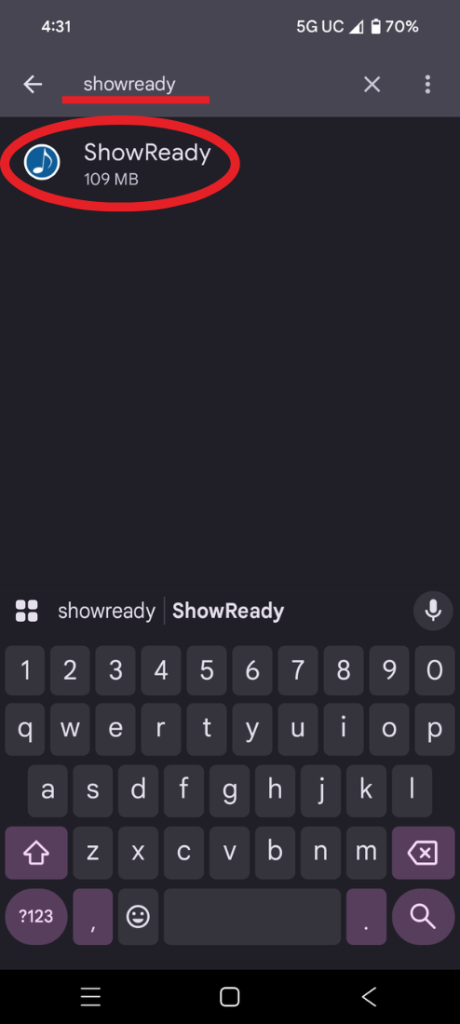
- Search for “showready” and select the app when you find it.
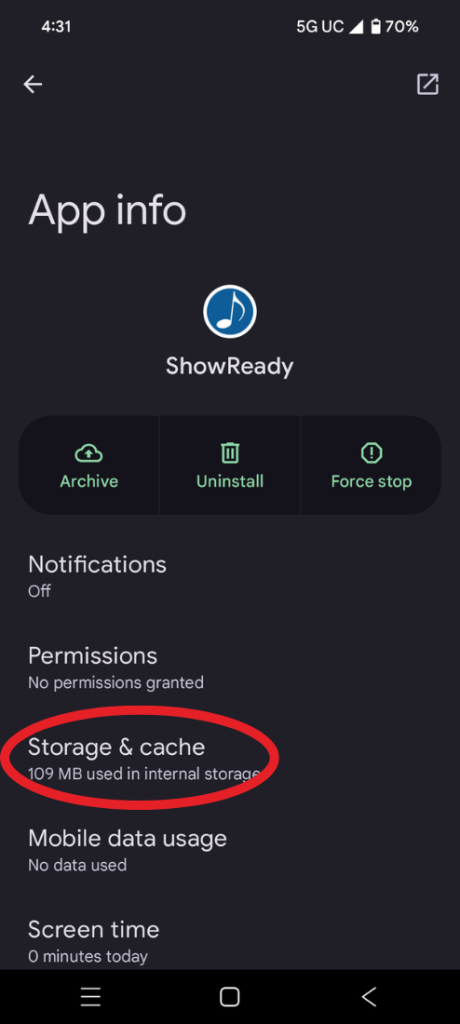
- Once inside the app info, click on “Storage & cache.”
- Click “Clear storage” and “clear cache” to reset the app. You will need to reopen the app and put in your viewer access codes again.


